 Giftlight
How to add a gift finder quiz to your Wix store
A gift quiz helps the shopper who came to your site for someone else and doesn't know your products yet. They tap through a few questions and see a short list of things you sell that fit. Here's how to set one up with Giftlight, using the products already in Wix Stores.
What you need
- A Wix site with Wix Stores and products in it. Products need a photo and a price to be picked.
- Your products sorted into categories. The categories become the quiz's "What are they into?" choices, so name them the way a shopper would (Candles, Jewelry, Kitchen).
- About five minutes. Giftlight is free for up to 100 finished quizzes a month.
Set it up
- Add Giftlight from the Wix App Market. Open the Giftlight listing, click Add to Site and pick your site. Wix asks you to let it read your products and categories; it doesn't read orders or customers.
- Look over the questions. Giftlight opens in your site's dashboard with a quiz already built from your catalog: who it's for (when your categories or product names say so), what they're into, and a budget made from your prices. Reword any question, rename a choice, or hide one you don't want, then save.
- Place it on a page. In your Wix editor, open Add Elements (+), then App Widgets, and drag Giftlight onto your home page or any other page. A page of its own called "Gift guide" or "Find a gift" works well.
- Publish your site.
- Switch it on. Back in the Giftlight dashboard, click Make it live. Until you do, the widget shows nothing to shoppers, so you can place it and check the page first.
Getting better picks
- Want a "Who's it for?" question? Giftlight asks it when your category or product names say who things are for: Women's, Men's, Kids, Mom, Dad and the like. If nothing says so, the quiz skips it and asks the other two.
- Too many categories? The quiz shows your biggest ones. Hide any choice that doesn't fit gift shopping, like "Replacement parts" or "Bulk orders".
- Out of stock items aren't picked, so the quiz doesn't send people to something they can't buy.
- Give it a way in. Link the quiz page from your menu, and from a holiday banner or email if you send one.
Questions
- What happens when a shopper picks a gift?
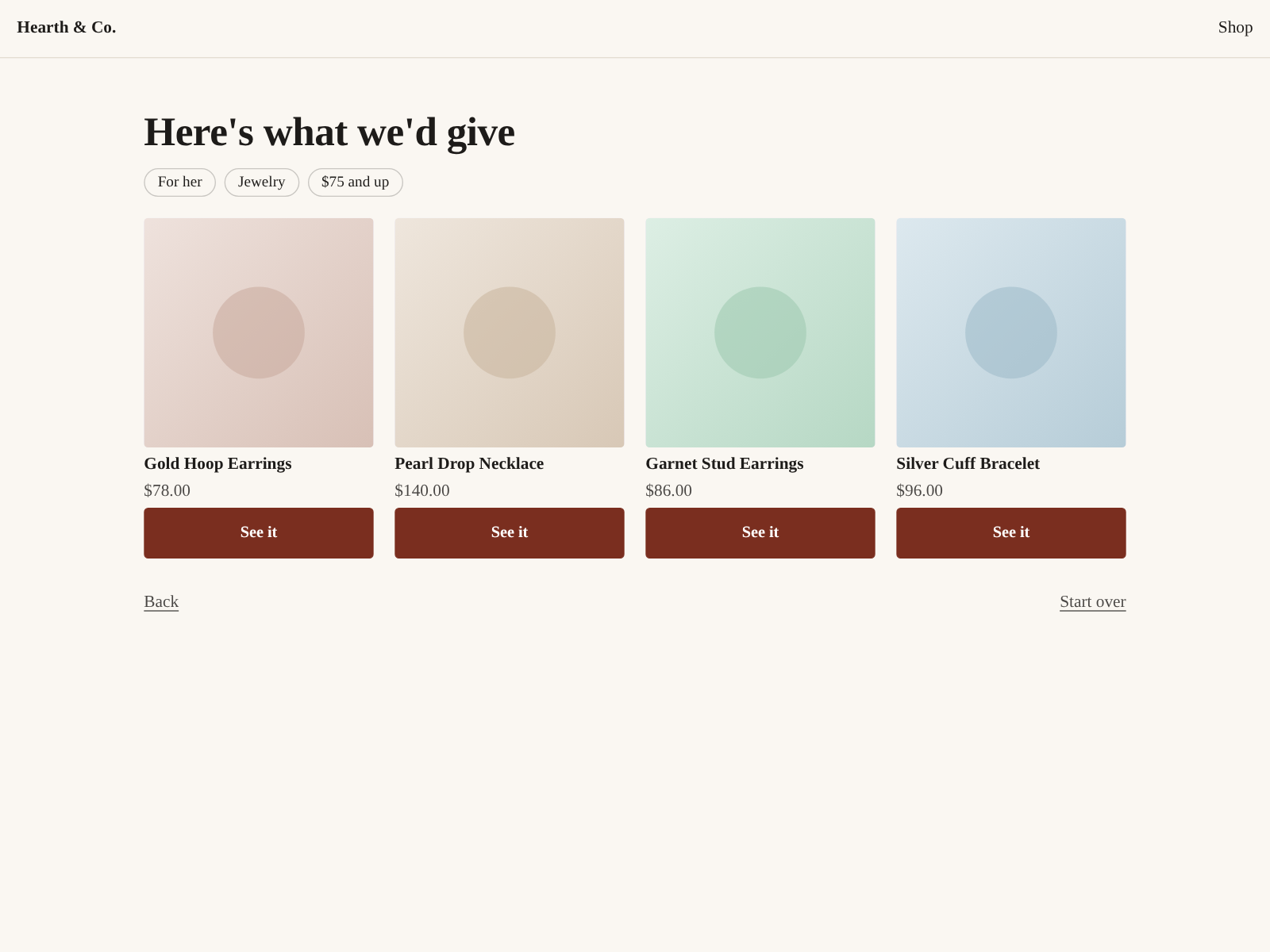
- "See it" opens that product's page on your site, where they buy it the usual way.
- What does it cost?
- Free up to 100 finished quizzes a month (a finished quiz is one where the shopper got to the picks). Starter is $19 a month for 1,000, Growth $49 for 5,000, Pro $129 for 20,000, billed through Wix. Past your plan's number the quiz keeps working, and the dashboard shows your count.
- Does it collect shoppers' information?
- No. It counts quizzes started and finished and which picks were opened, day by day, and nothing about who took them. Shoppers who decline analytics in your cookie banner aren't counted. The privacy policy has the details.
- Does my quiz change when I add products?
- Yes. Giftlight rereads your catalog, and the words you changed stay.
- Can I try it before installing?
- Yes, on a made-up shop on our home page.